
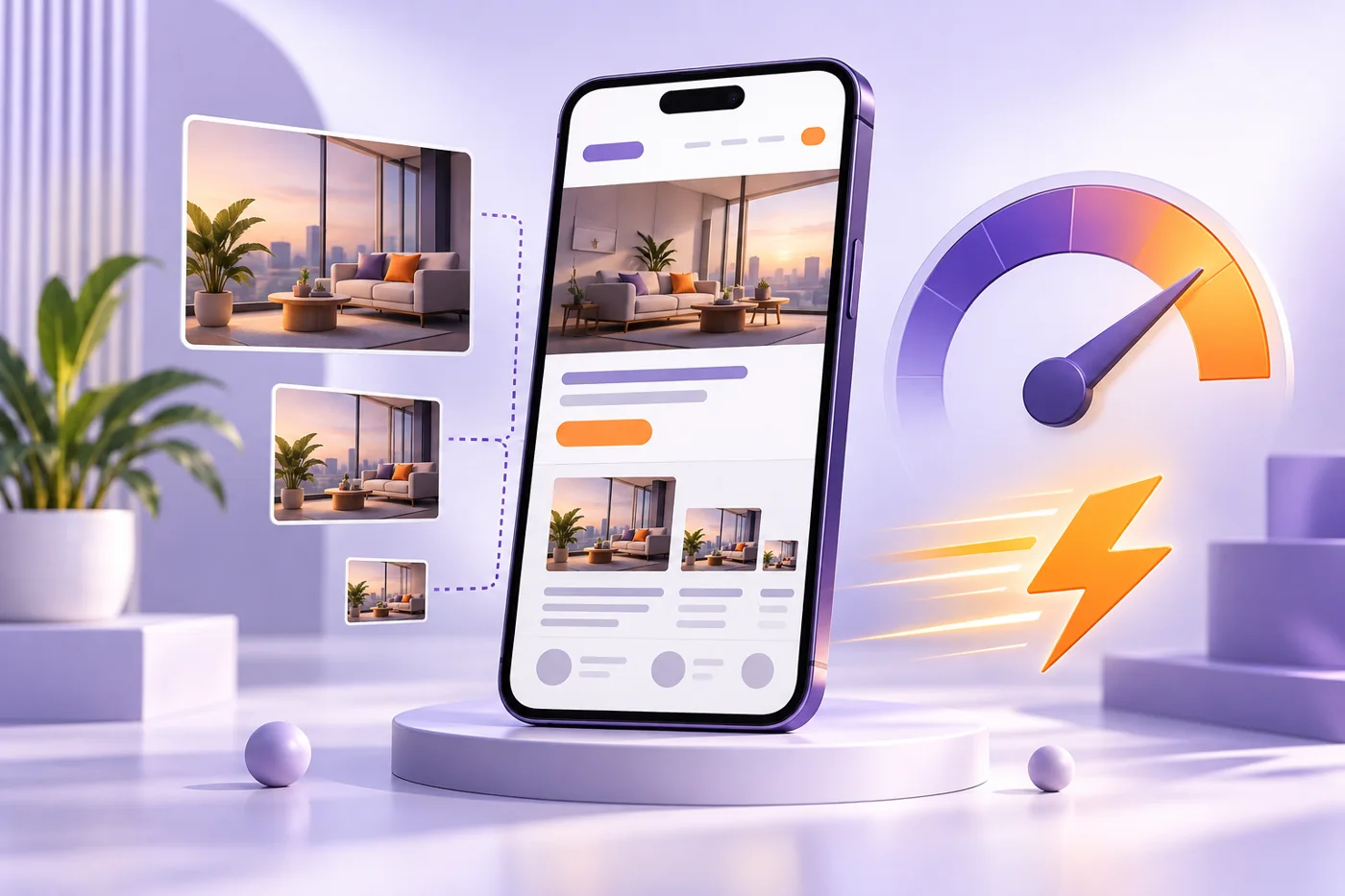
Review mobile loading, correctly sized images and the main visible content before choosing performance fixes.
Start with the page customers use
Choose an important service page or landing page and test it on a phone. Record how quickly the main content appears and whether the contact action works while the page loads. A homepage score does not describe every page. Use repeatable tests and keep a baseline so a visual improvement does not quietly create a slower experience.
Check image size and format
A small card does not need a huge original image. Export dimensions appropriate to the display and provide responsive alternatives where needed. WebP can reduce transfer size, but inspect quality instead of selecting the lowest setting blindly. Keep product details and readable text intact. Add meaningful alternative text for informative images.
Give the main image a clear loading path
If the prominent image is the Largest Contentful Paint element, avoid delaying it with lazy loading. Reserve image space with dimensions so the layout does not jump. Lazy loading can be useful for images farther down the page. Prioritize based on what the browser needs first rather than preloading every asset.
Look beyond the image
Heavy scripts, unnecessary effects, font delivery and slow server responses can also delay the experience. Review what each plugin or third-party script does before disabling it. Test forms, language navigation and other essential behavior after changes. A smaller asset bundle is useful only if the site still works correctly.
Keep a simple maintenance record
Write down the page, issue, change and before-and-after observations. Check more than one test run because networks and servers vary. Include real-user data when available rather than relying on a single lab score. Speed is part of usability; it does not guarantee rankings, leads or sales.
Before-you-publish checklist
- Confirm the offer and information are accurate and current.
- Test important actions and the contact path on a phone.
- Assign an owner and the next review.
Frequently asked questions
Should every image load immediately?
No. Prioritize visible important content and avoid delaying the LCP image; lower-page images may load later.
Does a perfect speed score guarantee SEO results?
No. It is one aspect of a useful website, alongside content, relevance and other factors.
Next step
For help planning this work for your business, explore the related service or contact Alin Digital.