
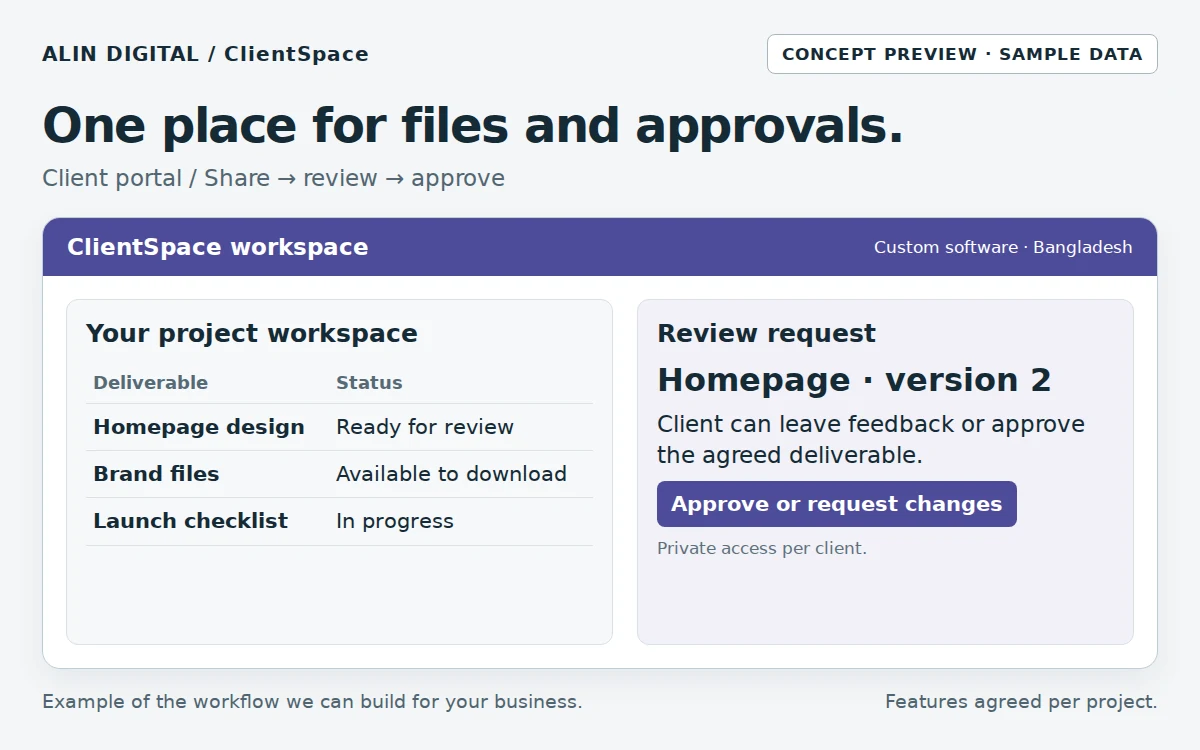
A client portal is valuable when important decisions are scattered across email, chat and shared folders. The goal is not to move every conversation into a new login. Give clients a dependable place for the items that need a clear record: project milestones, approval requests, agreed deliverables and support questions. For a small Bangladesh agency, that can start with one project view and a short list of actions rather than a complex collaboration platform.
A familiar situation: illustrative example
Imagine a client approves an older design screenshot while the designer is working on a newer file. A portal can show the exact version awaiting approval and record the decision. That small clarity may matter more than a long list of collaboration features.
Design the workflow before the interface
Define an approval as an explicit action with a version, person and timestamp. A file being viewed is not approval. When a design changes after approval, create a new version and explain whether the change affects scope. This protects both parties from relying on an old screenshot or an ambiguous chat reaction.
Test the exceptions and boundaries
Access control is the central acceptance test. Client A must not view Client B’s projects or download files by changing an identifier in a URL. Files should use authorised access rather than relying on unguessable public names. Define file size, permitted types, deletion handling and what happens when a client contact leaves the organisation.
Choose the smallest workable solution
Keep onboarding simple: invitation, secure access, one project, one approval task and a help route. Agree who owns the hosting account and how projects are exported at the end of a contract. A portal creates work if clients cannot understand it, so pilot with a real project and observe the steps that need explanation.
A practical workflow
- Invite the authorised client contact
- Show milestones and agreed deliverables
- Share a controlled file version
- Record an explicit approval or change request
- Archive and export completed work
Acceptance checks before handover
Test a normal transaction, invalid input, a repeated request and an account without permission using representative business data. Check the agreed export. Write down account ownership, hosting responsibility, backup arrangements and the support route. Use test data before importing real customer records.
What to measure
Pending approvals; revision turnaround; access test results; support requests. Record a baseline before launch and review the pilot against it. Software cannot guarantee improvement if the operating process and ownership remain unclear.
What the proposal should include
Separate features, users, imports, integrations, training and support in the quote. Ask for a BDT proposal and confirm whether hosting, API usage and third-party subscriptions are included. Custom development is different from subscribing to an existing SaaS product. Agree delivery dates after discovery and technical checks; unresolved integrations make fixed promises unreliable.
Common questions
Do we need every feature in the first release?
No. Start with one complete, testable workflow. Add modules after real usage shows what is missing.
Can the business move its data later?
Agree export formats, file access and account ownership in the proposal, then open an actual export during acceptance.
Further reading and next step
Compare the service with your workflow: ClientSpace · Client portal · Software catalogue · Discuss the project.