
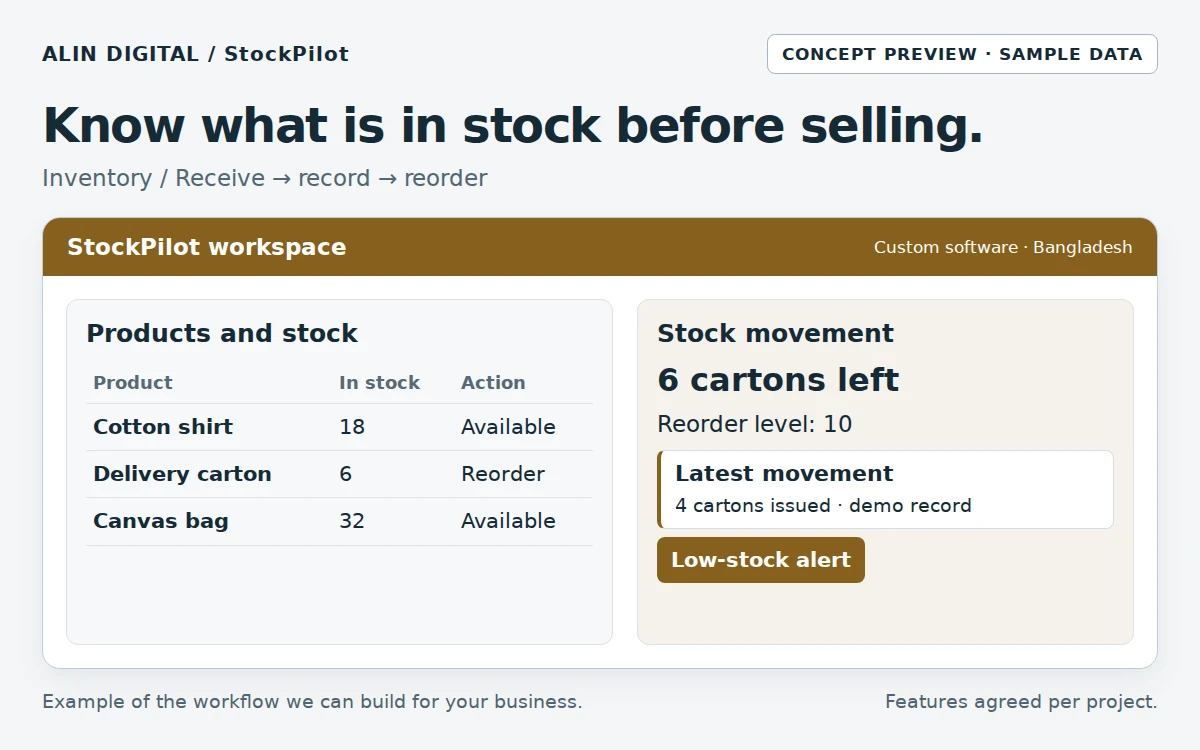
Inventory software tracks what is held and how it moves. A POS system handles the selling workflow at the counter, and may also manage receipts, payment devices and returns. Those are related but different responsibilities. A Bangladesh retailer should list daily tasks before choosing a product. If the main problem is stock visibility across a storeroom and a small shop, a focused inventory tool may be sufficient. If checkout operations are the problem, inventory alone is not the answer.
A familiar situation: illustrative example
Imagine a shop has a product in two colours but records only one stock total. Staff promise the blue version although only the red one remains. Clean variant records help before any elaborate stock dashboard is built.
Design the workflow before the interface
Create a clean product catalogue before importing balances. Give every sellable variant its own identifier where needed; colour or size variants should not accidentally share one quantity. Define units, opening balance, storage location and who may adjust stock. Treat adjustments as movements with a reason rather than silently overwriting the number.
Test the exceptions and boundaries
Run a physical count on a sample and reconcile discrepancies. Include a purchase, a transfer, a damaged item, a return and a correction. If simultaneous users change stock, test that quantities remain consistent. Agree whether negative stock is blocked or flagged. Low-stock alerts are useful only when the underlying quantities are trustworthy.
Choose the smallest workable solution
A lightweight tool is not a replacement for full accounting, statutory reporting or an offline-capable retail POS. Clarify integrations and their ownership before promising synchronisation. Start with a small catalogue and a daily reconciliation routine; add branches or barcode workflows only after the basic stock movements work reliably.
A practical workflow
- Create products and variants
- Record opening balances
- Log every receipt and issue
- Count and reconcile discrepancies
- Review low-stock and export reports
Acceptance checks before handover
Test a normal transaction, invalid input, a repeated request and an account without permission using representative business data. Check the agreed export. Write down account ownership, hosting responsibility, backup arrangements and the support route. Use test data before importing real customer records.
What to measure
Count discrepancies; unexplained adjustments; negative balances; stock-out incidents. Record a baseline before launch and review the pilot against it. Software cannot guarantee improvement if the operating process and ownership remain unclear.
What the proposal should include
Separate features, users, imports, integrations, training and support in the quote. Ask for a BDT proposal and confirm whether hosting, API usage and third-party subscriptions are included. Custom development is different from subscribing to an existing SaaS product. Agree delivery dates after discovery and technical checks; unresolved integrations make fixed promises unreliable.
Common questions
Do we need every feature in the first release?
No. Start with one complete, testable workflow. Add modules after real usage shows what is missing.
Can the business move its data later?
Agree export formats, file access and account ownership in the proposal, then open an actual export during acceptance.
Further reading and next step
Compare the service with your workflow: StockPilot · Inventory · Software catalogue · Discuss the project.