
Start with customer questions
Before choosing a catalogue design, list the questions people ask before buying: available size, material, current stock, delivery area and whether the displayed amount includes delivery. A beautiful photograph cannot answer missing product facts. For a small Bangladesh shop, a clear catalogue with a reliable enquiry route may be a more useful first step than a complex checkout nobody maintains.
Create one product record
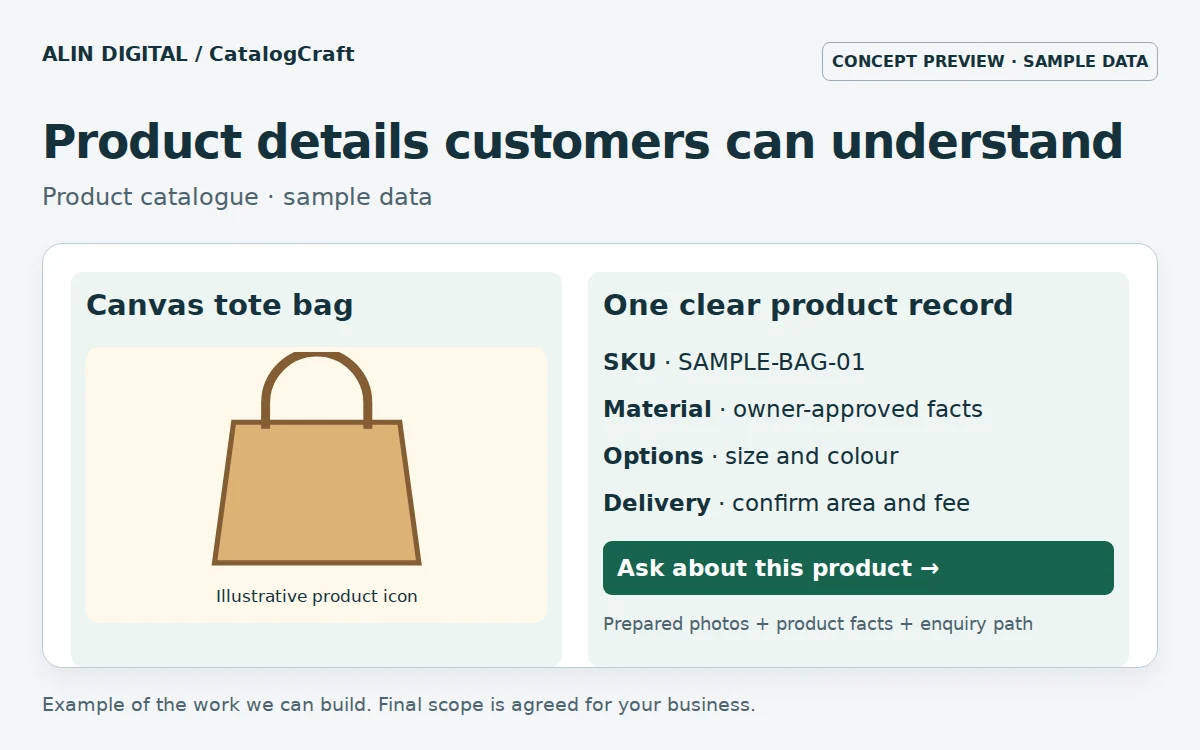
Use one record for each agreed product or variant. Choose a stable SKU and keep the product name separate from its category. Record the source of specifications and who verified them. If a supplier has not confirmed a material or warranty, mark it for review instead of writing an attractive claim. Stock should have an owner and update routine; yesterday’s spreadsheet is not automatically today’s availability.
Prepare the photos you own
Use photographs you own or are authorised to publish. Keep a consistent crop and show details that matter: texture, dimensions, packaging or another viewing angle. A concept image is not proof of an actual product. Export suitable WebP sizes for the page and keep the original outside the website delivery path. Alt text should describe useful visible content rather than repeat a list of search keywords.
Make variations understandable
Keep size, colour and pack quantity consistent across the list. A shirt in two colours needs an agreed variant structure; two almost identical product names make searching and stock maintenance harder. Test one product with several options before importing every record. Check the displayed price, unavailable option and delivery wording on a phone. If prices change frequently, explain how a customer can confirm the current quotation.
Test the enquiry journey
Open a product on a small screen, select a variant and use the enquiry button. The next message should carry the product reference and selected option without exposing private customer data in a public URL. A WhatsApp click is not a confirmed order. Agree who checks messages, verifies availability and records the final customer decision. Keep payment collection outside the scope until the relevant workflow has been approved and tested.
Publish a small pilot first
Start with a representative sample: one simple item, one variant, one out-of-stock product and one incomplete supplier record. Reconcile the import with the source sheet and ask a staff member to update a record independently. Publish the rest only when the owner can maintain the catalogue. Measure clarification questions, update errors and completed enquiries rather than assuming a larger product count produces more sales.
What does the service deliver?
CatalogCraft can cover a field plan, edited supplied facts, prepared images, a validated import sample and staff instructions. Original photography, supplier verification, payment-provider approval and ongoing stock updates need clear owners and separate agreement. Before starting, prepare an authorised product sheet and a small selection of images. The goal is a catalogue customers can understand and your team can keep accurate.
Next step
Review the related service and scope · Discuss your requirements.