
Start with the actual customer journey
Open the site on a phone and try to find one service, read its scope and send a test enquiry. Record the exact page, screen size and failing step. A performance score alone does not reveal whether a customer understands the offer or whether the team receives the message. Keep a small set of important journeys so a visual improvement does not hide a broken form.
Check text before adding motion
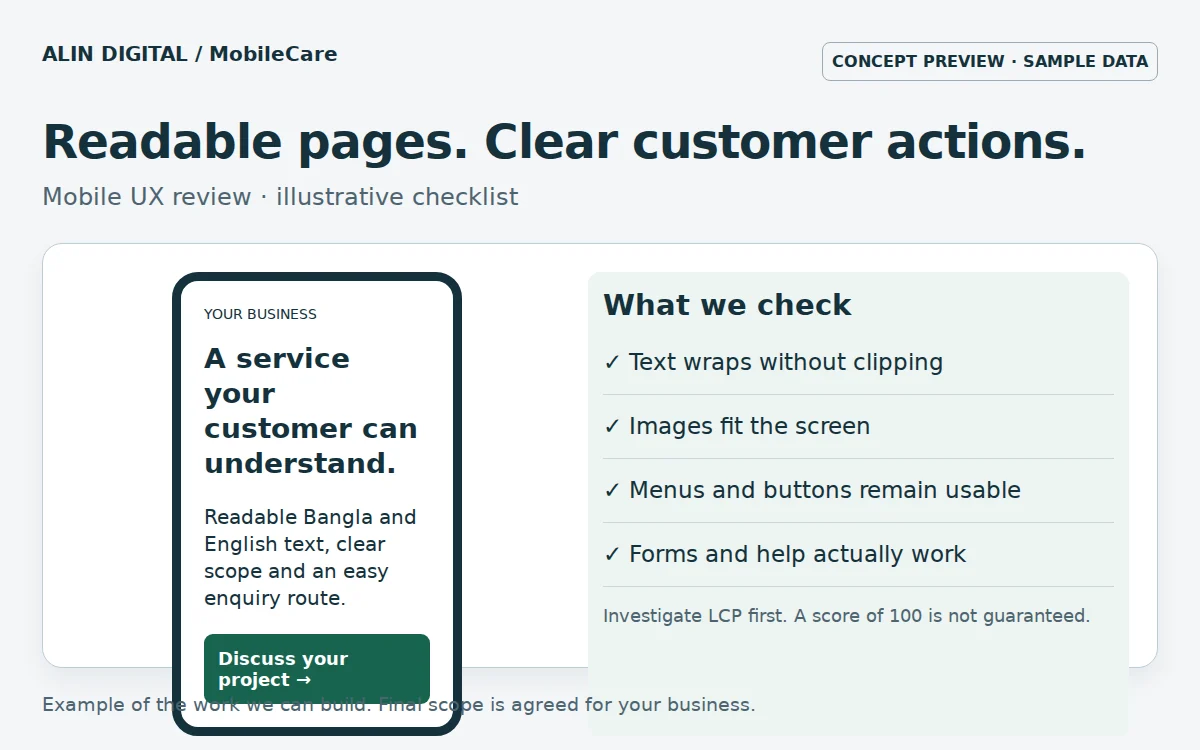
Inspect long Bangla headings, menu labels and card descriptions. Fixed heights and line clamps can remove the information a visitor needs. Use natural wrapping and test enlarged text. Check the page at narrow widths as well as on a larger phone. Decorative heading animation should not leave essential text hidden when JavaScript is late or disabled. Prefer readable content that remains available throughout loading.
Identify the largest visible element
Use the actual PageSpeed or browser performance report to identify the LCP element and its timing breakdown. The element may be an image or text. A calculator link only carries entered metric values and does not diagnose the page. Separate server response, resource discovery, download time and rendering delay before choosing a repair. Compressing an unrelated picture will not fix a slow server response.
Deliver the right image size
Keep the main visible image discoverable in the initial HTML and avoid lazy-loading it. Use responsive image candidates so a phone can download a suitable file rather than a desktop original. Give images width and height to reserve their space. Pictures farther down the page can load lazily. Compare the actual transferred bytes and inspect visual quality; a blurred product detail is not a useful optimisation.
Keep menus and help usable
Open every mobile category and check that links remain within the viewport. A help button should not cover a service name or a form submit button. Open the chatbot with the on-screen keyboard visible, then close it and confirm the page is usable again. Ask a non-technical person to explain the first chatbot choices. If the labels need explanation, rewrite them around customer needs.
Make one recoverable change at a time
Back up the theme and database, then test on staging with the active plugins. Preserve edited posts and record which files changed. After each repair, repeat the service discovery and enquiry journeys. Clear the relevant caches before comparing results. A theme ZIP cannot control every hosting delay, third-party script or plugin conflict; identify those dependencies explicitly instead of adding more animation or plugins without evidence.
Measure what improved
Run comparable checks and keep the report URL and test date. Review mobile readability and completed form delivery alongside loading metrics. Lab scores can vary, so one favourable run is not a permanent guarantee. The practical outcome is a page that customers can read and use reliably. MobileCare can investigate these issues, apply an agreed set of repairs and document remaining hosting or integration work.
Next step
Review the related service and scope · Discuss your requirements.